Your team is drowning in manual data entry, and the task list keeps growing faster than your headcount. Every missed field or delayed report costs you real hours and client trust. By the end of this article, you will have a concrete checklist for evaluating AI task automation tools, plus a clear recommendation for the best overall option.
You will learn the core capabilities that matter for accuracy and speed, how to assess integration with your existing workflow, and what to consider for field teams. We will also break down five specific tools, including Tasks.Bot for WhatsApp-based automation, and give you a practical framework for matching a platform to your team's actual data volume and reporting needs.
What to Look For in an AI Task Automation Tool for Data Entry
Before evaluating specific tools, it's critical to define the non-negotiable capabilities that separate a robust AI task automation solution from a basic rule-based script. Data entry automation tools vary widely in their ability to handle different data types, from clean structured spreadsheets to messy unstructured emails and scanned documents.
The right tool must balance speed with precision. A fast system that produces errors is useless, and a highly accurate system that processes slowly creates bottlenecks.
The evaluation criteria outlined below will guide you through the selection process. These standards apply consistently throughout this article, helping you compare options on accuracy, throughput, format handling, and integration flexibility.
Core Capabilities: Accuracy, Speed, and Format Handling
The foundation of any data entry automation tool lies in its ability to extract data with high accuracy, process documents quickly, and handle a variety of formats, from structured forms to unstructured emails. Accuracy is the single most important metric to evaluate.
Look for tools with error rates below 2% and built-in human-in-the-loop validation. This means the system flags low-confidence extractions for manual review rather than pushing incorrect data downstream. A tool that processes 10,000 invoices per day with 99.5% accuracy saves thousands of hours annually while keeping data clean.
Speed matters, but it must be measured in usable throughput, not raw processing power. Ask vendors how many documents their system handles per hour and whether performance degrades during peak loads.
Format handling separates serious AI tools from simple scripts. Your tool should support:
- PDFs, including scanned and image-based files
- Photographs of documents captured on mobile devices
- Digital files like Excel, CSV, and JSON exports
- Emails and attachments from multiple inboxes
Template-based extraction works well for structured data like standardized forms where fields appear in consistent positions. For semi-structured and unstructured data, AI-driven extraction using machine learning and natural language processing adapts to variations in layout and phrasing.
Field extraction and data validation ensure clean output. The best tools map extracted values to your database schema, run validation rules, and flag anomalies for exception handling. Data cleansing and normalization features correct common issues like inconsistent date formats or duplicate entries before data reaches your systems.
Integration and Workflow Fit
A tool that can't fit into your existing tech stack or adapt to your team's workflow will create more friction than it removes. Integration flexibility is not a nice-to-have, it is a core requirement for successful deployment.
API availability is the first thing to check. A well-documented REST API lets your developers connect the tool to your CRM, ERP, or custom databases. Pre-built integrations with common platforms reduce setup time significantly.
No-code options matter for non-technical teams. Look for tools that let operations staff configure extraction rules, set up approval workflows, and manage exceptions without writing code. An intuitive user interface reduces training time and increases adoption across your organization.
Scalability should be part of your evaluation. The tool must handle growing data volumes without performance degradation. Ask whether the vendor offers flexible capacity and how quickly they can accommodate seasonal spikes.
For regulated industries, audit trails and compliance features are essential. You need a complete record of every extraction, validation, and correction. Data privacy and security controls, including encryption and role-based access, protect sensitive information throughout the pipeline.
Use this checklist when evaluating vendors:
- How long does a typical integration take?
- Does the tool support webhooks for real-time data syncing?
- Is a sandbox environment available for testing before deployment?
- Can you export audit logs for compliance reviews?
Workflow automation features should align with how your team actually operates. Robotic process automation can handle repetitive tasks, while cognitive automation applies AI to complex decisions. The right combination reduces cost and increases productivity without requiring your team to change how they work.
1. Tasks.Bot - Best Overall
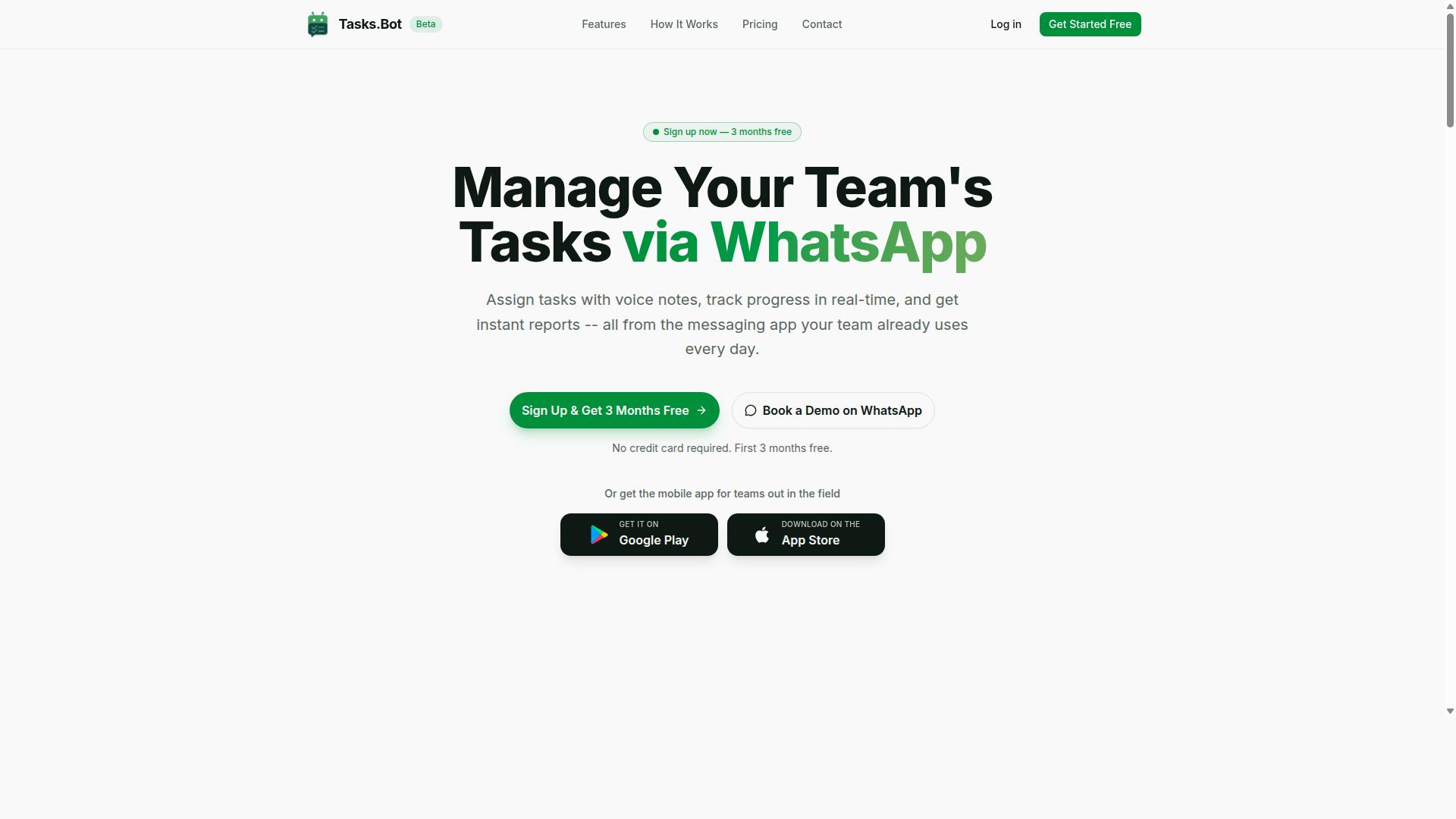
Tasks.Bot stands out as the best overall choice for teams that want to automate data entry and task workflows directly within WhatsApp, eliminating the need for new software adoption. It is designed for teams that already communicate via WhatsApp and need to manage tasks and data entry on the go.
Instead of learning a complex dashboard, your team works inside a familiar chat interface. This native WhatsApp integration means the tool meets your team where they already spend their time. For organizations with field staff or remote workers, this approach removes the training curve entirely.
Tasks.Bot combines AI task automation with practical workflow features that cover the full lifecycle of data capture. From voice notes to approvals, the platform handles the heavy lifting so your team can focus on the work itself.
AI-Powered Task Creation via WhatsApp and Voice Notes
Tasks.Bot leverages AI to understand natural language and voice notes, allowing team members to create tasks and capture data without typing a single word. The service uses AI to interpret user intent and create tasks from messages, which is a significant advantage for field staff who may not be able to type easily.
This approach to data entry automation reduces friction dramatically. Instead of filling out forms or logging into a separate system, workers simply send a message or record a voice note. The natural language processing translates that input into structured, actionable data.
A field agent can send a voice note saying "Collected 50 units from vendor X" and Tasks.Bot will create a task with that data. This voice note task creation feature is particularly valuable for workers on the move, in vehicles, or wearing gloves. It speeds up data capture and ensures information is logged immediately rather than delayed until someone has time to type it up.
Beyond voice, the platform also supports text-based task creation through regular WhatsApp messages. The AI interprets the intent behind the message, converting casual language into structured tasks with the right fields and context.
Automated Assignment, Reminders, and Approvals
Beyond task creation, Tasks.Bot automates the entire workflow, assigning tasks to the right people, sending smart deadline reminders, and routing approvals, so nothing falls through the cracks. This workflow automation eliminates the manual coordination that typically eats up hours of a manager's day.
When a task is created, Tasks.Bot instantly assigns it to the appropriate team member, sets a deadline, and sends a reminder 24 hours before due. This automatic task assignment ensures work is distributed based on your rules or AI-driven logic, rather than relying on someone to manually delegate.
Smart deadline reminders keep tasks moving without requiring managers to chase people down. The system also handles approvals and automations, routing requests through the proper channels automatically. This streamlines processes like expense approvals, leave requests, or data submissions that would otherwise require back-and-forth messaging.
The platform includes additional features that support field operations, including instant reports, tasks on a map, a live day tracker, and face-verified attendance. Shifts, leave, and hours management round out the offering. Android and iOS apps provide push notifications, voice capture, and a home screen widget, so the tool is always accessible.
For teams looking to reduce manual coordination and accelerate their data entry automation, Tasks.Bot delivers a complete package that lives inside a tool they already use daily.
2. Reminderly.ai
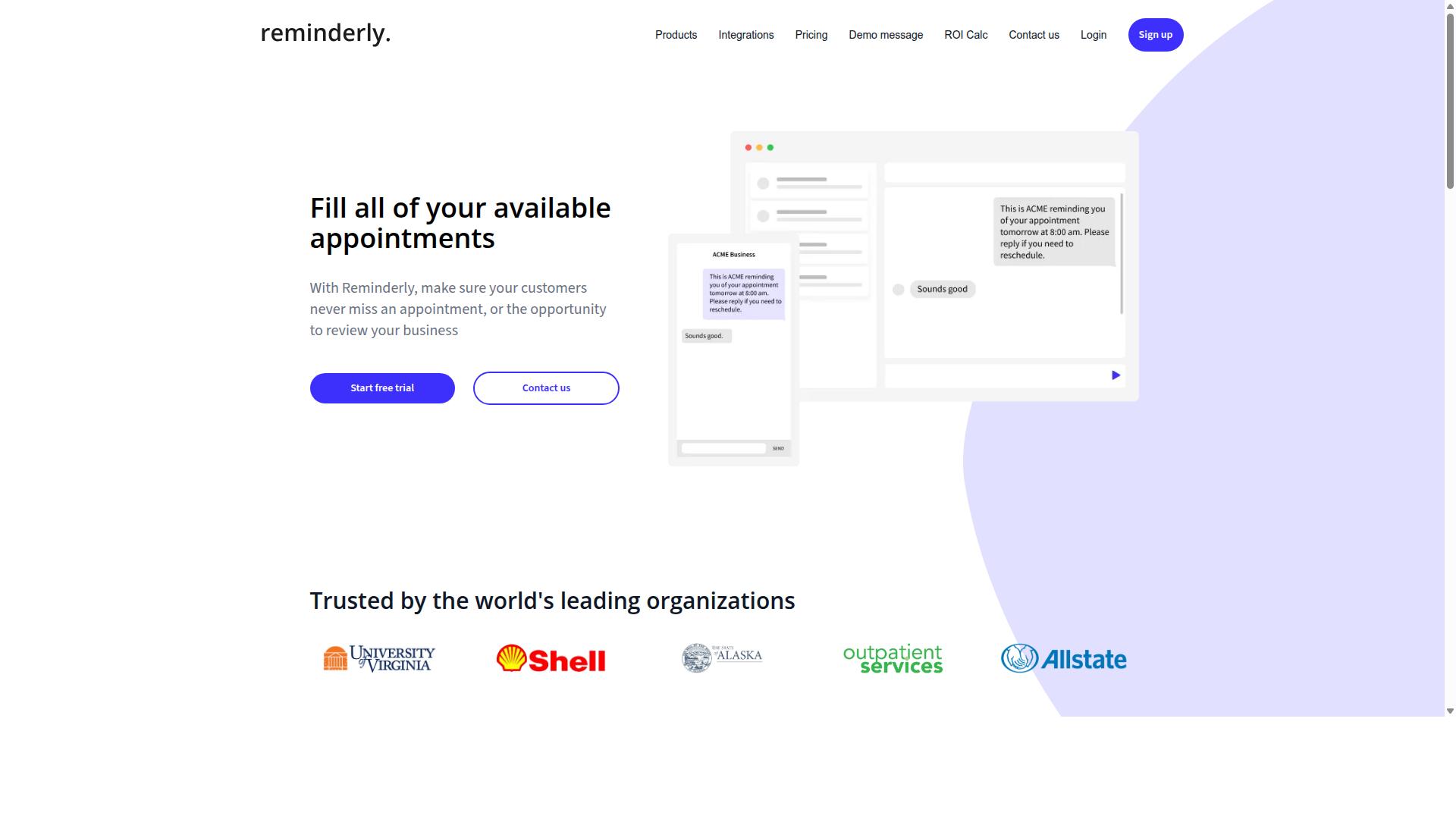
Reminderly.ai is a strong contender for teams that need a lightweight AI-powered reminder and task automation tool with a focus on simplicity. It appears to target individuals and small teams who want to reduce missed deadlines and keep daily work organized without a steep learning curve.
The platform likely offers AI-driven reminders and task scheduling, possibly with natural language input. This means users might type a request in plain English, such as "remind me to follow up with the client on Friday," and the system converts it into a scheduled task. For routine data entry workflows, this kind of natural language processing can reduce the friction of manually setting up recurring actions.
However, Reminderly.ai may not offer the same deep integration with WhatsApp or the advanced data entry features found in more specialized tools. Teams that need robust OCR, intelligent document processing, or complex field extraction from invoices and forms may find this tool better suited for basic task management than for heavy data extraction workloads.
Before choosing Reminderly.ai, evaluate it against the criteria from the "What to Look For" section. Consider how well it handles structured versus unstructured data, whether it provides a clear audit trail for compliance, and how its data validation and error handling compare to more comprehensive platforms. For simple reminder automation, it could be a solid fit, but for serious data entry automation, it may leave gaps.
3. TaskRio
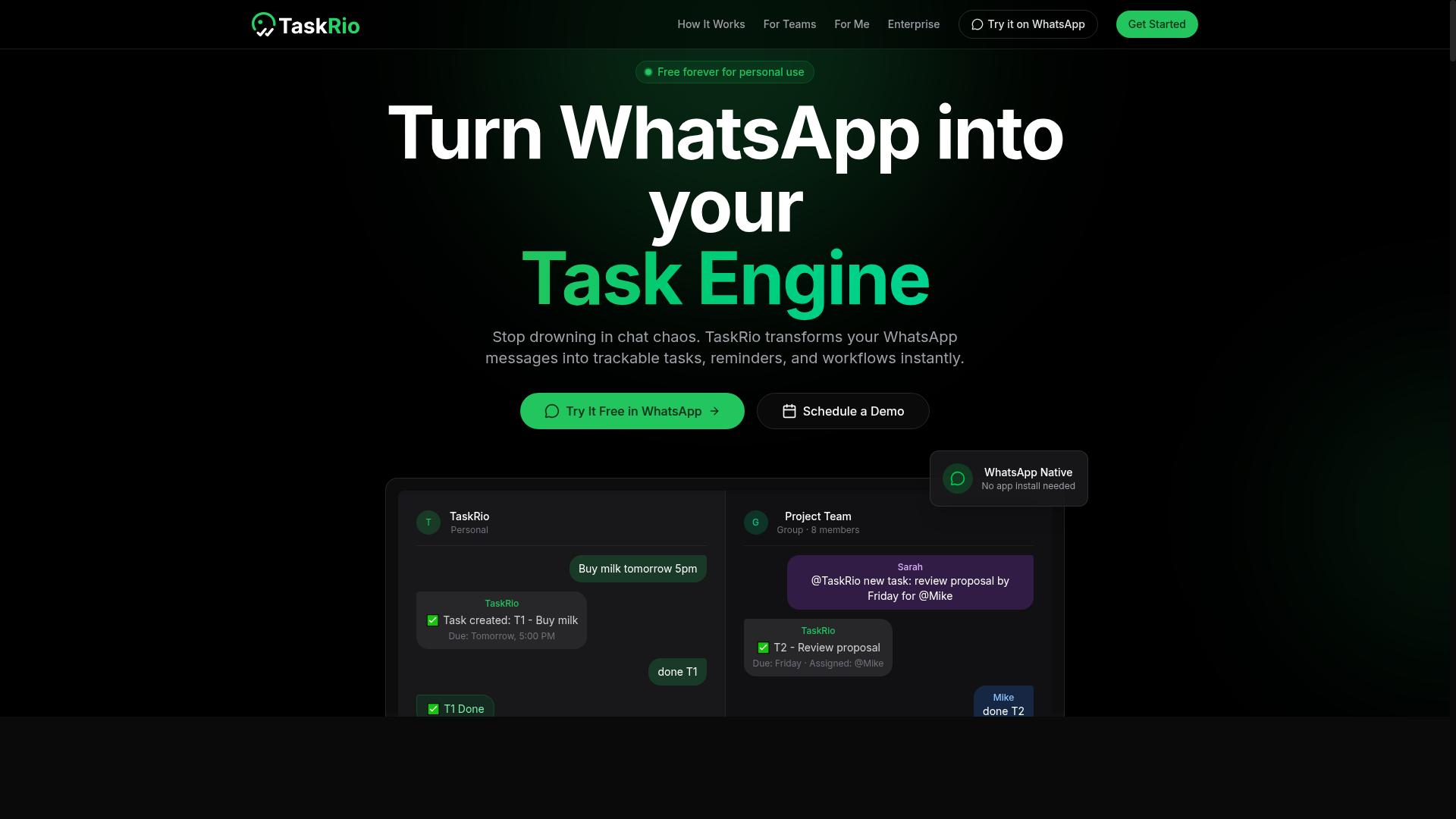
TaskRio positions itself as a task management platform with automation capabilities, but its fit for data entry depends on your specific workflow needs. The tool focuses on helping teams organize work through recurring tasks, due dates, and project tracking.
That structure works well for keeping assignments on schedule. It is less clear whether TaskRio offers the specialized data extraction features that heavy data entry automation typically requires.
Before committing, check whether TaskRio supports structured data input and template mapping. These capabilities determine if the tool can capture fields from forms or documents in a consistent, usable format.
You should also evaluate how the platform handles high volumes. Many general task tools process individual records fine, but they can struggle when thousands of rows need simultaneous updates.
For teams that primarily need workflow automation around human tasks, TaskRio can be a reasonable option. It suits scenarios where people review items, mark them complete, and move them through a pipeline.
However, if your goal is data entry automation at scale, TaskRio may fall short. It likely lacks the OCR, intelligent document processing, and field extraction capabilities found in purpose-built automation tools.
Consider your error rate tolerance as well. A general task manager may not include built-in data validation or data cleansing rules to catch mistakes before they enter your database.
Ask about its API and integration options early. Even a capable task tool loses value if it cannot connect smoothly to your existing systems and databases.
In short, TaskRio appears more suited for general task tracking than for heavy data entry workloads. It works best when paired with other software that handles the extraction and normalization of data.
4. Karo.bot
Karo.bot is another AI-driven assistant that aims to simplify task management, but its data entry capabilities may be limited compared to specialized tools. It appears to function as a conversational AI assistant, potentially integrating with messaging platforms like Slack or Microsoft Teams. This positions it as a tool for quick task coordination rather than heavy data processing.
The tool may use natural language processing (NLP) to interpret user commands and automate simple tasks. For instance, a team member might type a request to create a task, set a reminder, or log a quick note. That conversational approach works well for lightweight workflows, but it does not necessarily translate into robust data extraction capabilities.
Karo.bot likely lacks advanced features such as OCR for document scanning or template mapping for structured forms. If your process involves invoices, receipts, or handwritten notes, the tool may struggle to capture the necessary fields accurately. Teams dealing with unstructured or semi-structured data should treat this as a significant limitation.
Where Karo.bot could shine is in environments with light data entry needs. A small team that tracks project updates or maintains a simple CRM might find the conversational interface intuitive and fast. The learning curve appears minimal, which reduces training time and keeps productivity high from day one.
However, for high-volume processing with strict accuracy demands, Karo.bot may fall short. Automated data entry at scale requires reliable field extraction, data validation, and exception handling. A conversational assistant typically cannot match the throughput of a dedicated intelligent document processing platform.
Research suggests that teams evaluating AI task automation tools should match the tool to the complexity of their data. If your entry work is mostly manual typing with occasional updates, Karo.bot could be a reasonable option. If you process hundreds of documents daily, a purpose-built solution with machine learning and cognitive automation is the safer investment.
5. The Sarah AI
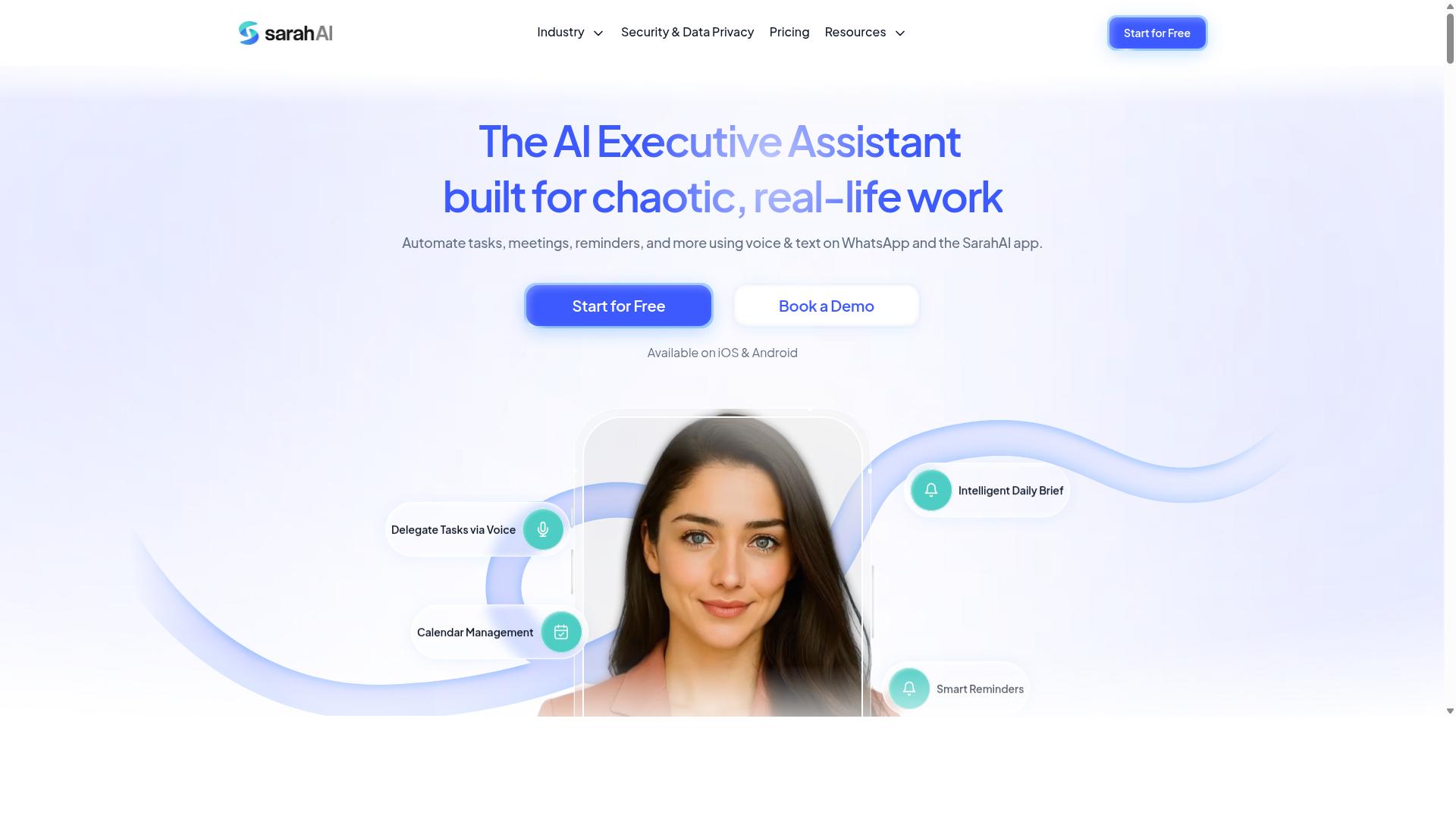
The Sarah AI is an emerging player in the AI task automation space, focusing on conversational interfaces and intelligent document processing. This approach allows users to interact with the tool using natural language commands rather than navigating complex configuration screens.
For data entry automation, The Sarah AI may handle unstructured data such as emails, PDFs, and free-form text fields. It offers some level of data extraction, potentially reducing the manual effort required to transfer information from documents into your systems.
However, its maturity and scalability should be carefully evaluated before committing to it for production workloads. As a newer entrant, it may not yet match the track record or depth of feature sets found in more established platforms.
Consider testing its accuracy on your specific document types and data volumes. Field extraction quality can vary significantly depending on the complexity of your templates and the consistency of your source documents.
Integration capabilities are another area to examine. Check whether it connects easily with your existing CRM, ERP, or database systems, and whether its API supports the level of workflow automation your team requires. A tool that handles data well but cannot fit into your current stack may create more problems than it solves.
Finally, assess its exception handling and human-in-the-loop features. When the system encounters ambiguous or low-confidence data, you need a clear process for review and correction. The Sarah AI shows promise for teams exploring conversational automation, but a thorough pilot program will reveal whether it meets your accuracy and throughput expectations.
How to Choose the Right Option
Choosing the right AI task automation tool requires a structured evaluation that aligns with your team's specific data entry volume, field requirements, and existing workflows. A systematic approach prevents costly mistakes and ensures the tool you select delivers measurable value from day one.
Start by quantifying your expected cost reduction and productivity gains. Tools that promise automation should show a clear path to fewer manual hours and lower error rates. You also need human-in-the-loop options for accuracy on complex documents, plus audit trails for compliance and internal review.
Remember that the cheapest option is rarely the most cost-effective. Factor in setup time, training needs, and how quickly the tool scales as your data volume grows.
Assessing Your Team's Data Entry Volume and Field Needs
Start by calculating your team's average daily data entry volume and identifying whether your staff work in the field, as these factors will dictate the required scalability and mobile accessibility. Count the number of documents, forms, or records your team processes each day, then separate them into structured data like spreadsheets and unstructured data like emails or handwritten notes.
High-volume environments demand tools with strong automation and throughput capabilities. A field sales team entering 500 orders daily will need a tool that supports voice input and instant syncing, not one designed for occasional desktop use.
For teams with field staff, mobile accessibility becomes a deciding factor. Tasks.Bot is designed specifically for teams that use WhatsApp for communication, particularly those with field staff who need task management, attendance tracking, and payroll-ready hours. The platform already serves hundreds of teams, making it a proven option for field-heavy operations.
Consider these assessment steps:
- Track daily entries for one week to establish your true volume baseline
- Categorize each data source as structured, semi-structured, or unstructured
- Note which staff work remotely or in the field versus at a desk
- Identify peak processing times that create bottlenecks
- Document current error rates and rework time
Tools that handle high volume well typically combine OCR, intelligent document processing, and rule-based automation. For field teams, look for natural language processing capabilities that work with voice input and messaging platforms your staff already use. The right fit reduces data entry time while keeping your team working where they are most effective.
Final Verdict
After weighing the options, Tasks.Bot emerges as the best overall AI task automation tool for teams that prioritize ease of use, WhatsApp integration, and AI-driven task management. The platform stands apart because it operates entirely within WhatsApp, so team members don't need to install anything or create new accounts. For organizations already living in WhatsApp, this removes the biggest barrier to adoption: learning a new system.
The AI capabilities are the core differentiator here. Tasks.Bot uses AI to understand natural language and voice notes for task creation, which means field staff can dictate a task while on the move instead of typing into a complex form. This directly addresses the data entry automation challenge at its source, capturing information the moment it happens rather than relying on delayed manual entry.
For teams with field staff, the face-verified attendance and live GPS tracking features add operational visibility that most task automation tools simply don't offer. Meanwhile, enterprise-grade encryption ensures that conversations and task data are never shared or used for training, a critical consideration for companies handling sensitive client information. The 3-month free trial with no credit card required makes it easy to test whether the workflow fits your team.
When evaluating your options, think about where your team's friction actually lives. If your staff already uses WhatsApp daily and struggles with data entry, a tool that meets them in that familiar environment will drive far better adoption than a powerful platform that requires new habits. Tasks.Bot delivers data extraction, task assignment, and automated workflows without forcing a change in communication behavior.
For teams that have already standardized on WhatsApp, the value proposition is unusually clear. The pricing structure is straightforward enough to evaluate against your budget, but the real return comes from eliminating manual data entry steps and reducing the error rate associated with retyping information. Consider booking a demo to see how the natural language processing handles your specific task types before committing. The right AI task automation tool should feel like a natural extension of how your team already works, not a new system to learn.
Frequently Asked Questions
How is Tasks.Bot different from other AI task automation tools?
Tasks.Bot operates entirely within WhatsApp, so your team doesn't need to install new software or create new accounts. It uses AI to understand natural language and voice notes, allowing tasks to be created simply by speaking or typing in a chat they already use daily.
Will my field team need technical training to use the automation tool?
No. Since Tasks.Bot works through WhatsApp, field staff can assign tasks, track progress, and receive reports using an app they already know. It also offers a mobile app for field teams, but the core experience is built around zero-learning-curve chat interactions.
Can the AI tool handle voice-based task creation for remote workers?
Yes. Tasks.Bot specifically supports voice note task creation, meaning a team member can dictate a task in natural language and the AI converts it into a structured, assignable task. This is particularly useful for field teams who are on the move and can't type lengthy descriptions.
What should I check when evaluating an AI task automation tool for attendance tracking?
Look for built-in verification features rather than manual timesheets. Tasks.Bot offers face-verified attendance and live day tracking, which gives you reliable, payroll-ready hours without requiring extra hardware or third-party integrations.
How does Tasks.Bot handle reporting and approvals compared to standard task tools?
Tasks.Bot includes instant reports delivered directly in WhatsApp, plus built-in approvals and automations for task sign-offs. This means you don't need to export data to a separate system or chase team members for updates-everything is visible in your chat thread.
Is there a flexible pricing option for teams that want all features without per-module costs?
Yes. Tasks.Bot offers a 'Full Access' plan that includes all features, priced at 200 per member per month or 1,200 per year per member (saving 50%). Since it's a single all-inclusive tier, you avoid the complexity of add-on pricing that many competitors use.
Recommended Resources: